Introducing Void Text
日本語Intro
Free · Native · ~15MB · Distraction-free
A quiet, native writing space for Mac.
Void Text is a lightweight editor built with Swift, designed to disappear so your words stay in focus.
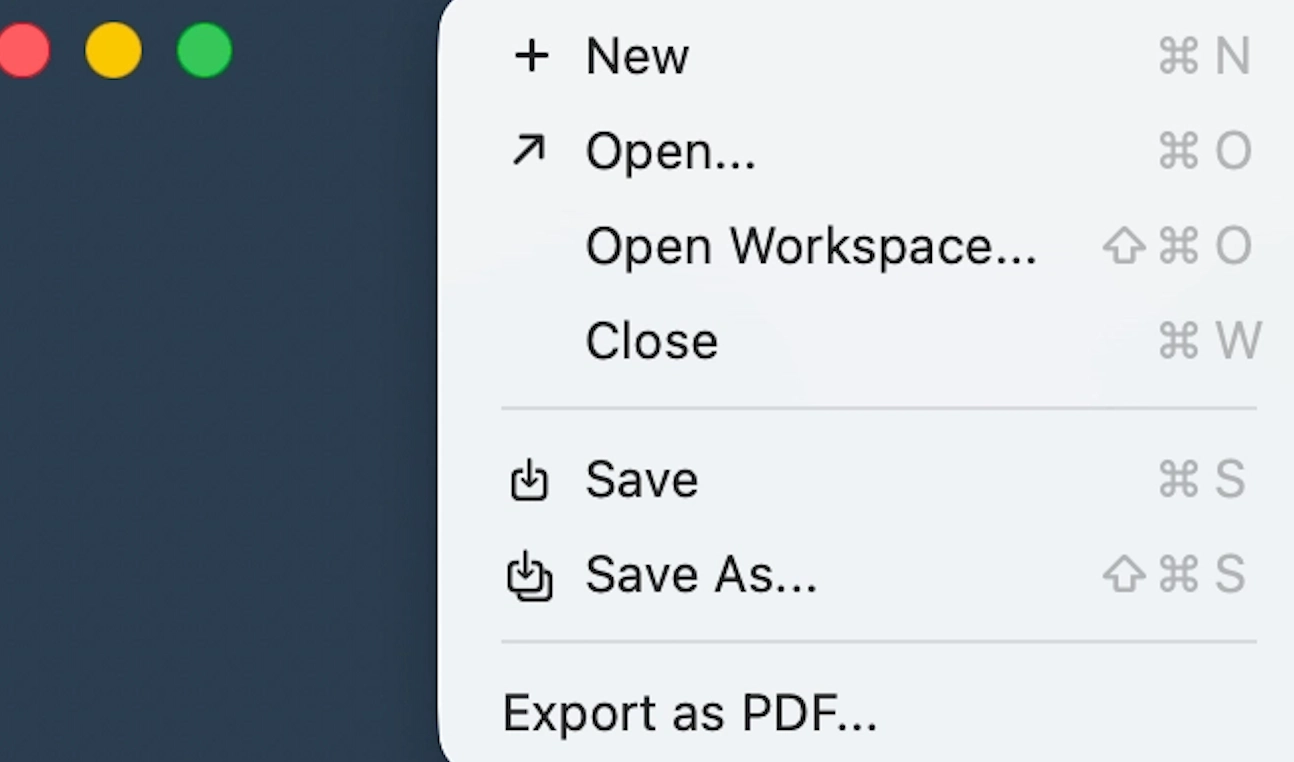
Free and compact (~15 MB), with built-in PDF export, it keeps only what matters.
Refined typography (JetBrains Mono, Fira Code, UDEV Gothic) and a fully keyboard-driven workflow create a calm,
uninterrupted writing experience.

Stable editing is supported for files up to 50 MB.
Files larger than this remain available in read-only mode, so large documents stay accessible without compromising editing stability.
The following samples show how the focused writing surface works in practice—immersion mode, zooming, sidebar toggles, line numbers, font changes, and the native editor canvas.
A Quieter Default View
The standard editor view stays spacious and readable, while immersion mode pulls even more of the interface away so the document can take over the screen.
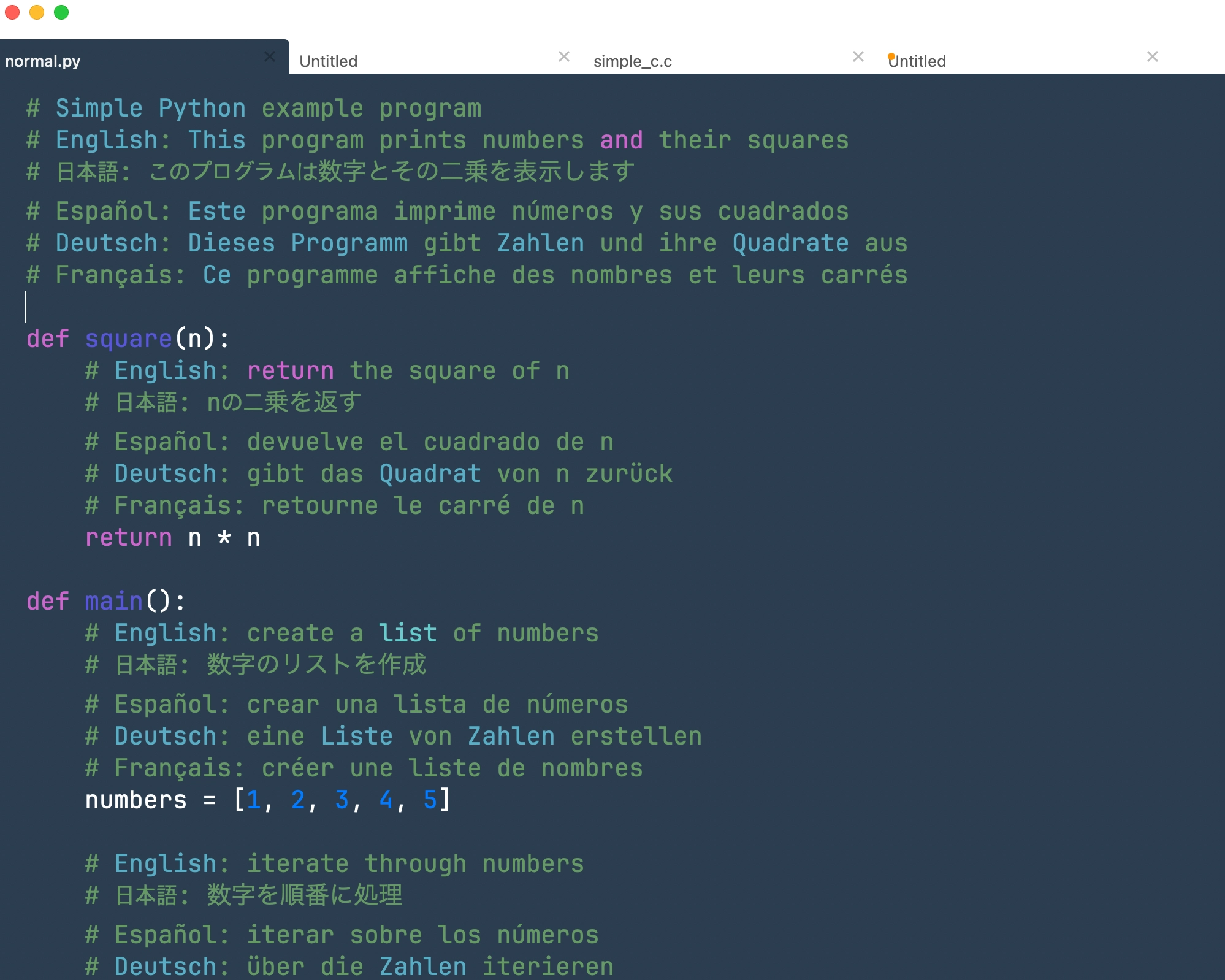
Immersion Mode
Demo video for Immersion Mode (⌘ + 1)
Text Zoom
Sometimes a draft needs a different reading distance. Void Text lets you zoom the page in or out quickly so the text can match your eyes and the moment.
Zoom In and Zoom Out
Structure
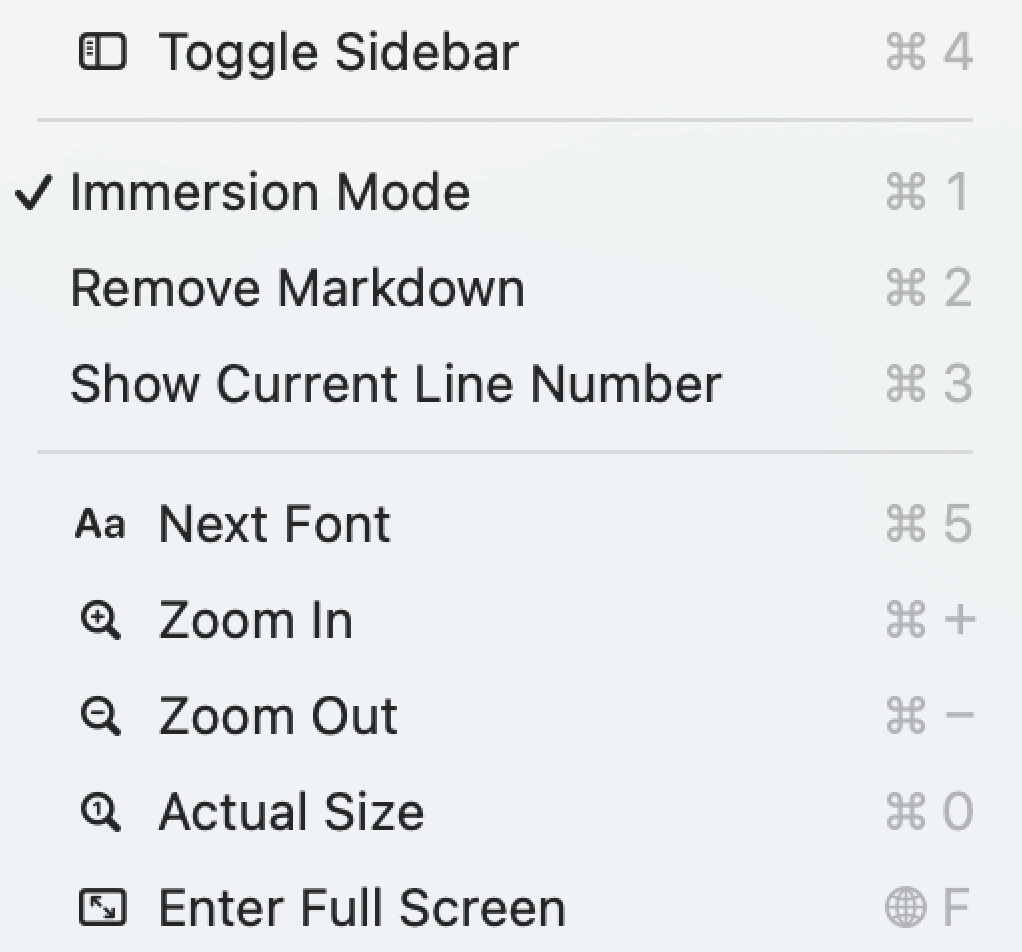
Void Text lets you bring the sidebar and line numbers back with quick keyboard-driven toggles, so the editor can shift between focused reading and document navigation without changing tools.
Current Line Number
Demo video for Show Current Line Number (⌘ + 3)
Sidebar Toggle
Demo video for Toggle Sidebar (⌘ + 4)
Font Presets
Clean fonts like JetBrains Mono and Fira Code give each draft a distinct feel.

Cycle Fonts While Writing
Demo video for Font Change Next (⌘ + 5)
Major Features
PDF Export
More Glimpses
The remaining samples show the app in a few different document states: emoji and a closer look at the document surface itself.


Why Void Text?
We love powerful editors—but not the bloat or paywalls that often come with them. Many modern apps feel unnecessarily heavy, and even some free native editors struggle with large files.
Void Text was created to offer a better balance. It delivers the speed and responsiveness of a native Swift app, paired with clean, thoughtful typography designed for focused writing. Completely free, with no subscriptions or distractions—just you and your words.
Keyboard Shortcuts
- ⌘ + 1 : Focus Mode
- ⌘ + + : Zoom In
- ⌘ + - : Zoom Out
- ⌘ + 0 : Reset Zoom
- ⌘ + 3 : Show Current Line Number
- ⌘ + 4 : Toggle Sidebar
- ⌘ + 5 : Change Font